 BloodSugarPilot
BloodSugarPilot
BloodSugarPilot
You check your sensor, look at the arrow, look at your dinner — and guess. BloodSugarPilot counts the carbohydrate for you, records the reading and the arrow beside it, and then shows you where it ended up two hours later. So next time it's not a guess, it's a memory.
Opens straight in your browser. Add it to your home screen and it behaves like any other app.
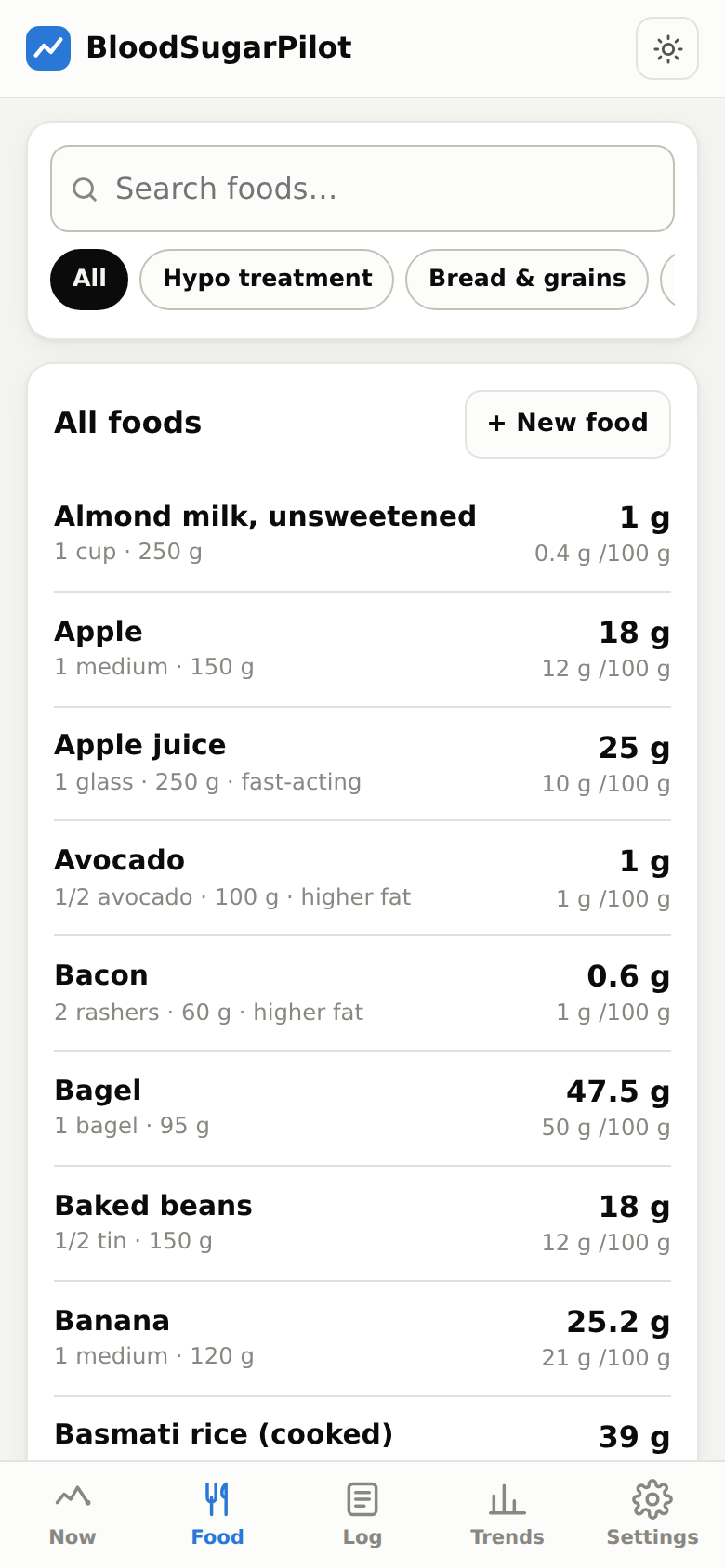
Around 120 everyday foods with carbs per serve and per 100 g. Adjust the portion, stack up a whole meal, get one number. Add your own straight off the packet.
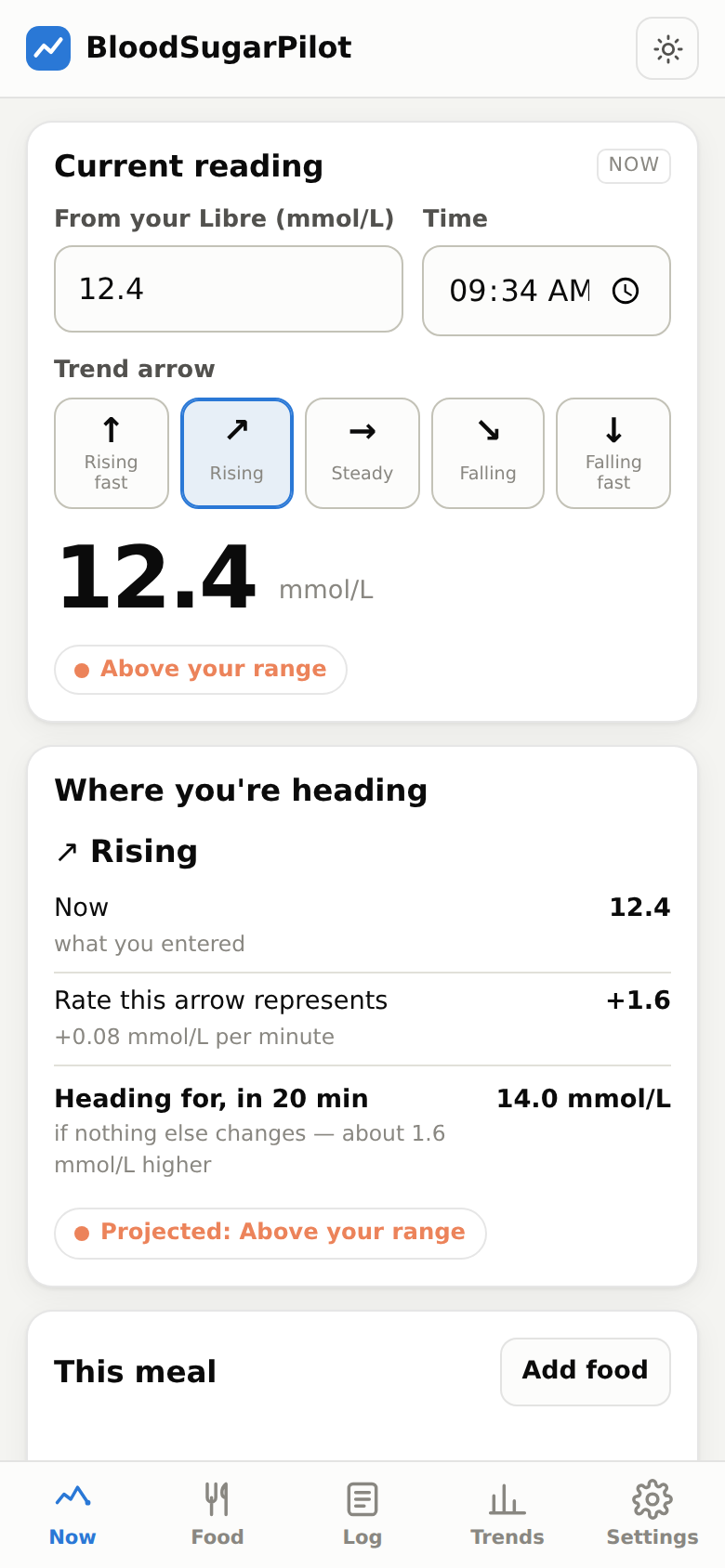
Enter your reading and the trend arrow your sensor is showing. It projects where you're heading and shows the arithmetic, so you can see exactly how it got there.
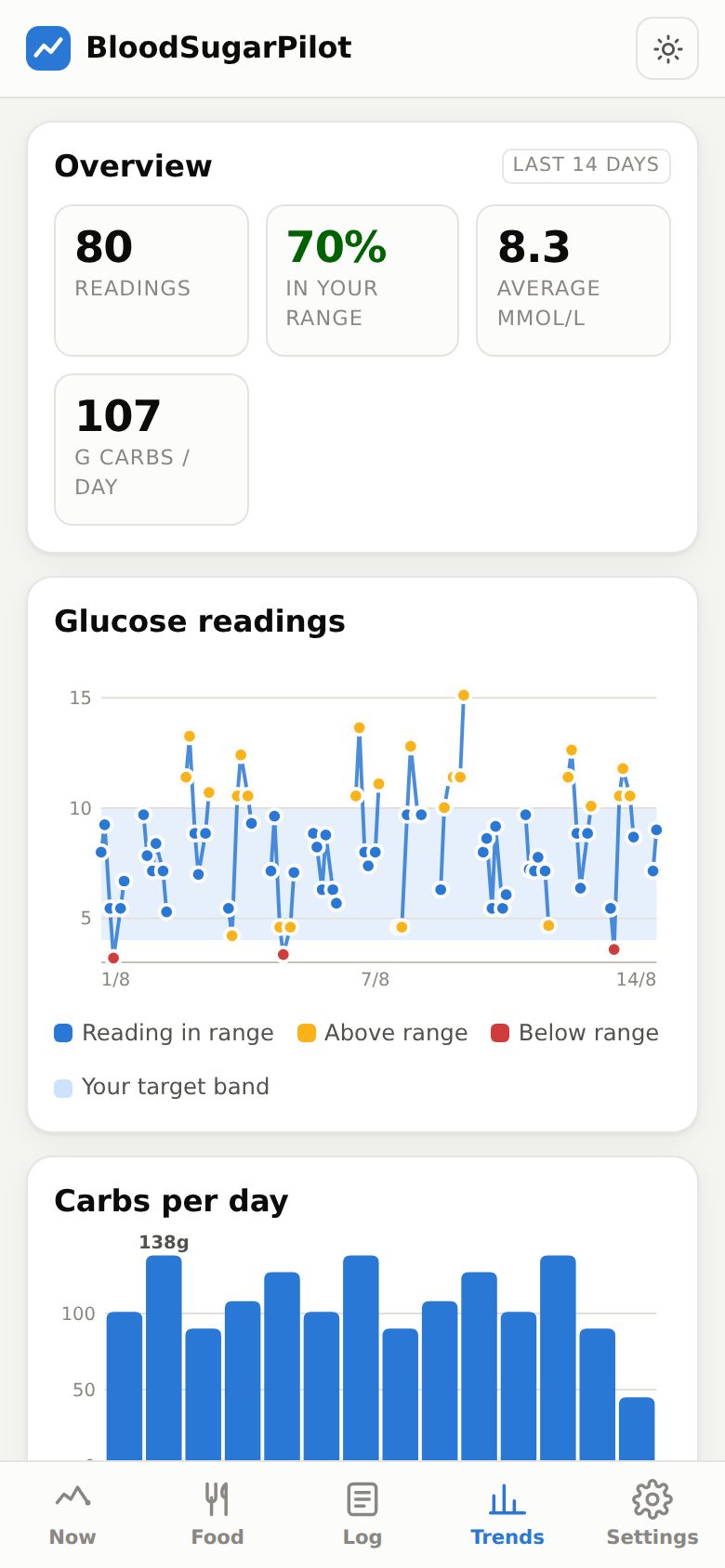
Add a follow-up reading a couple of hours later. Over time you build a record of which meals, at which times, actually landed where you wanted.
That decision depends on your ratios, your health, your day and your history — things your diabetes team knows and an app doesn't. BloodSugarPilot counts carbohydrate, records what you enter, and shows you your own history. Every dosing decision stays between you and your team.
You can record the insulin you took, so that later you can see how a given meal and dose actually went. That's a logbook, not advice.
Carbohydrate figures are typical published values and vary by brand — check the packet for anything you eat often, and save your own number. Always confirm a low, or any reading that doesn't match how you feel, with a finger prick.
I have type 1 and wear a FreeStyle Libre. The sensor tells me my number and which way it's going. What it never told me was what to actually eat, or how last Tuesday's version of this exact dinner turned out. I got tired of guessing, so I built the thing I wanted. It's free while I'm testing it, and I'd genuinely like to know whether it's useful to anyone else.